 Mi Taller
Help centre
Mi Taller
Help centre
checking…
Mi Taller
Help centre
Filter the offer, check the facts and contact the seller.
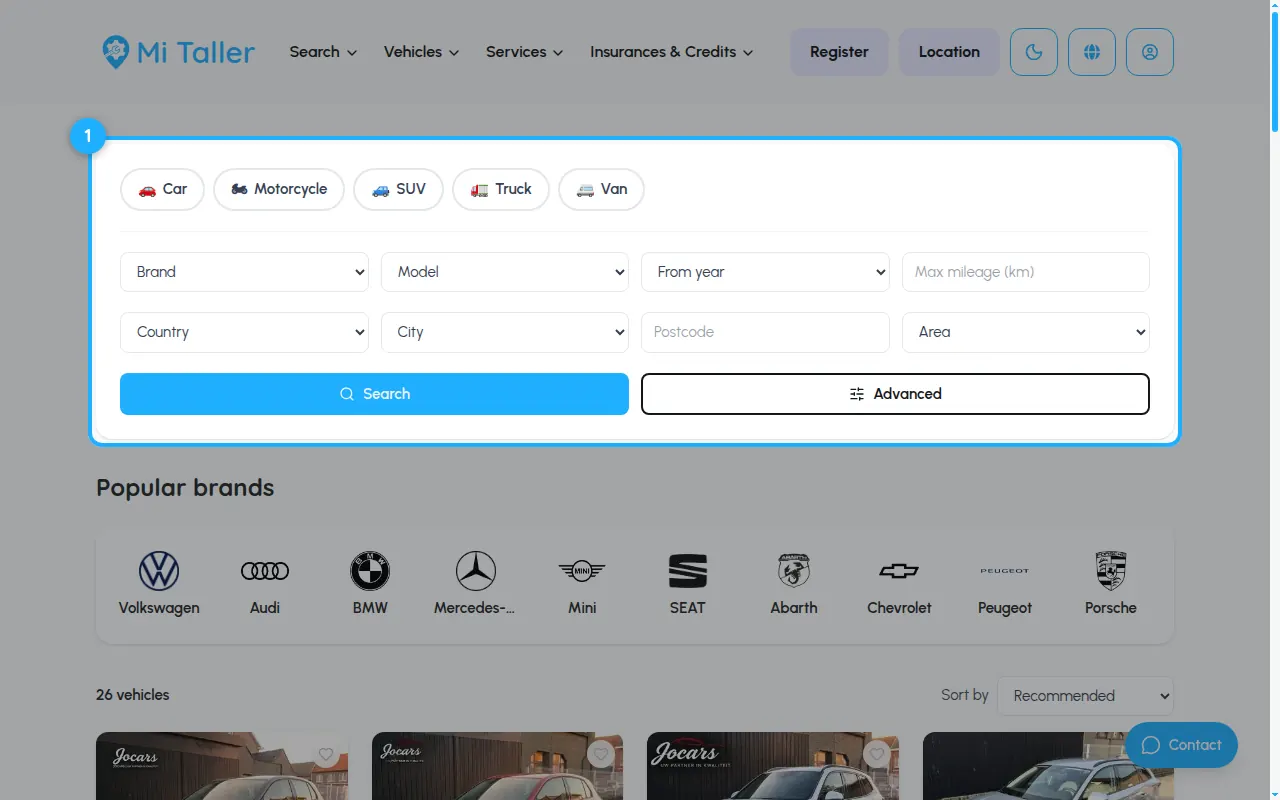
In Vehicles for sale, pick the vehicle type and filter by brand, model, year, mileage, country or city. Advanced gives more filters.
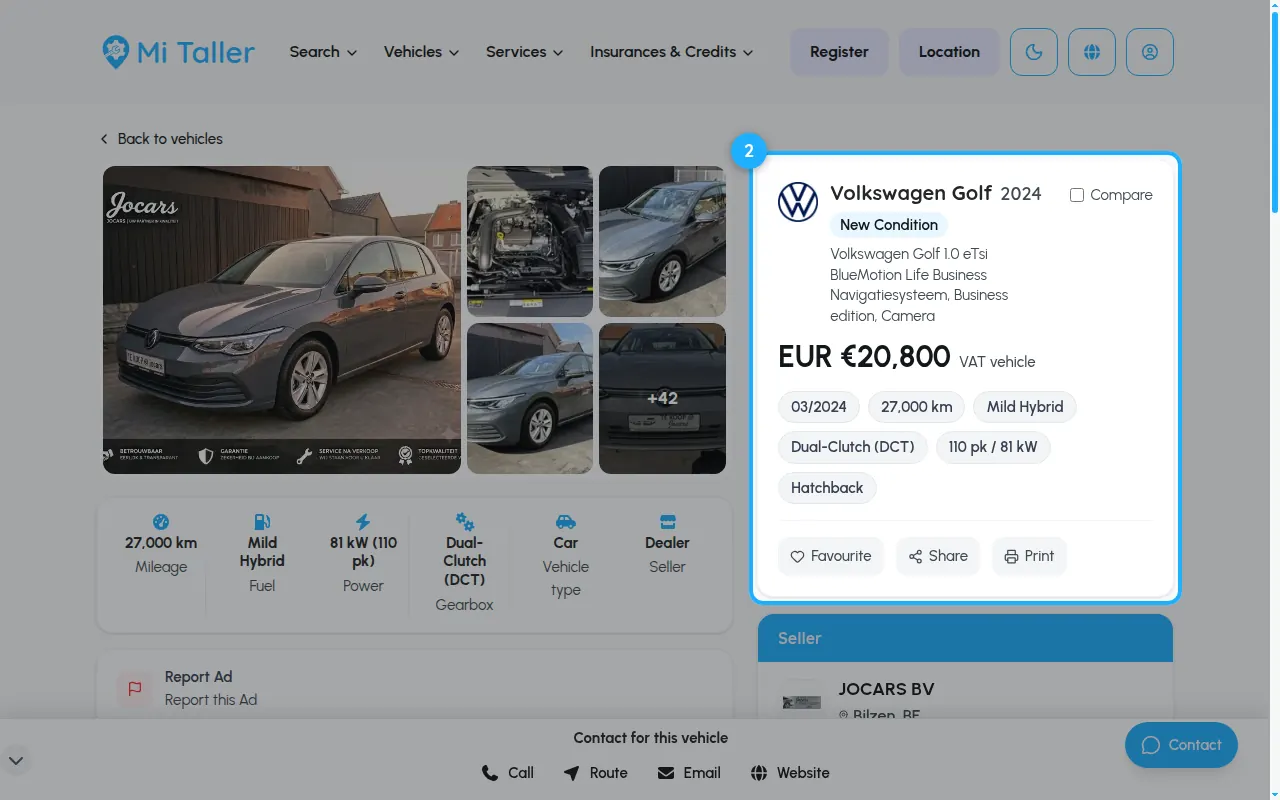
The vehicle page shows the price (with a conversion to your currency), first registration, mileage, fuel, gearbox and power. Use Compare, Favourite or Share.
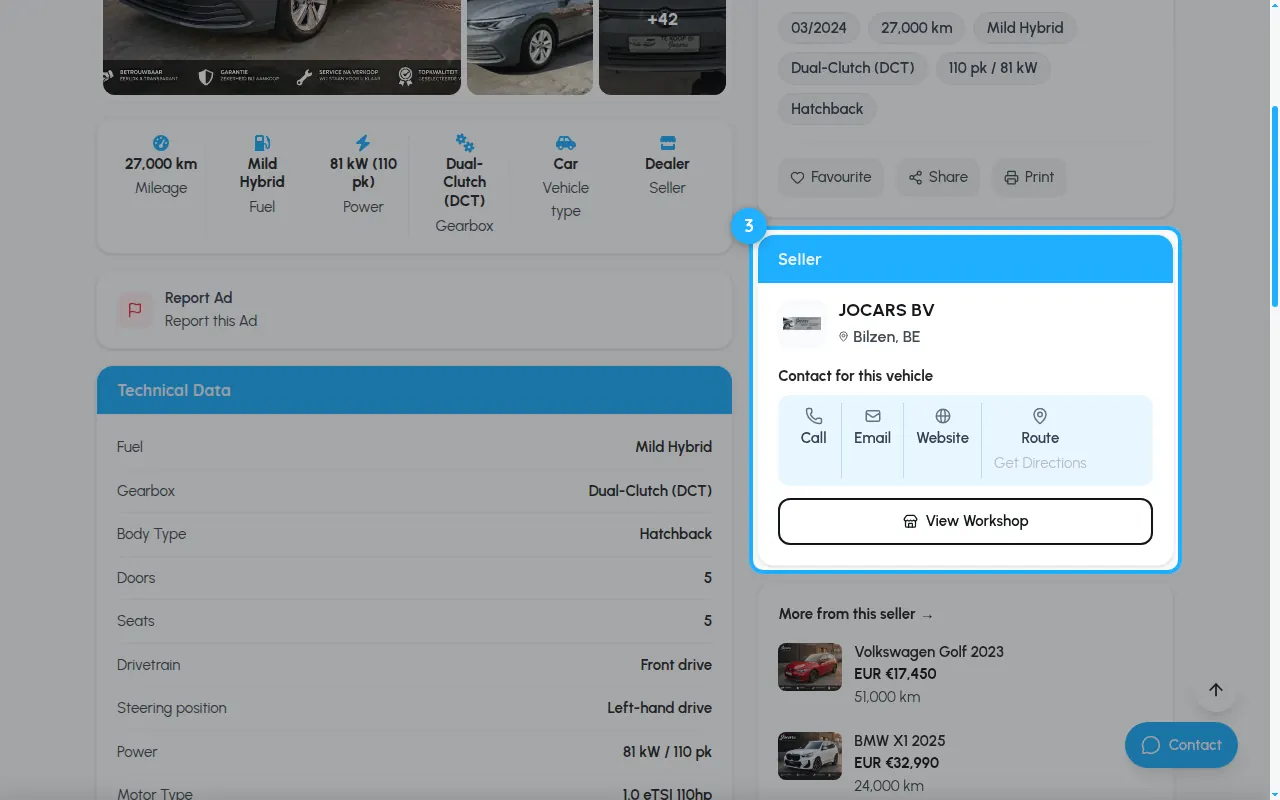
The seller card has buttons to call, e-mail, visit the website or get directions, plus more vehicles from the same seller.
Send us a message through the contact form on mitaller.mx. Pick the topic that fits best so it reaches the right person.
Contact usWe've received your message and will get back to you.